
Run the Windows host
PortalDrop stores the files on one Windows PC you control.
PortalDrop · Windows 0.9.1 + Android beta.33
Send files between trusted Windows PCs and Android devices through one Windows host you control. Keep your handoff on your own network.
Free Windows 10/11 (64-bit) host and Android 8+ companion. No payment, card, coupon or activation key. Download the complete package directly. A Windows host must stay running. A revised AppGallery submission is being prepared; this is a direct download.
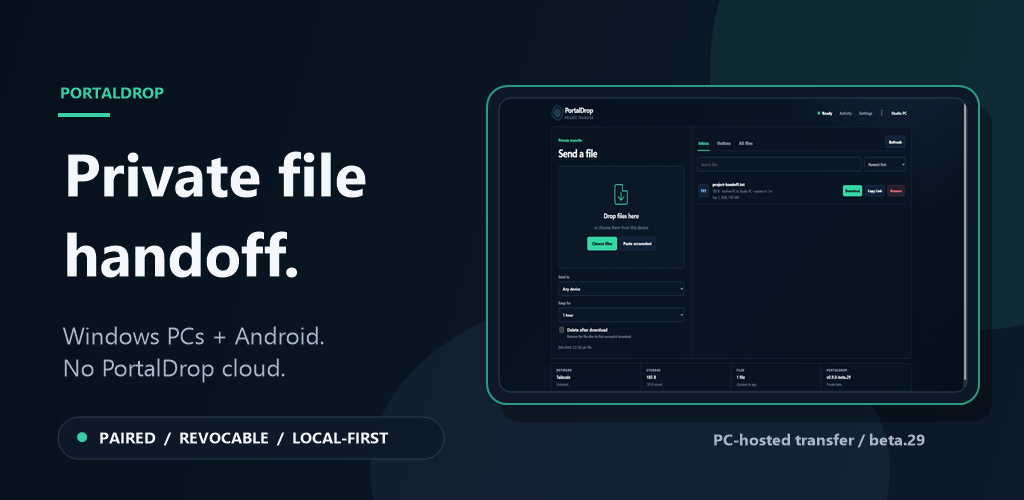
Supported handoffWindows PC ↔ Windows PC · Windows ↔ Android
Current proof
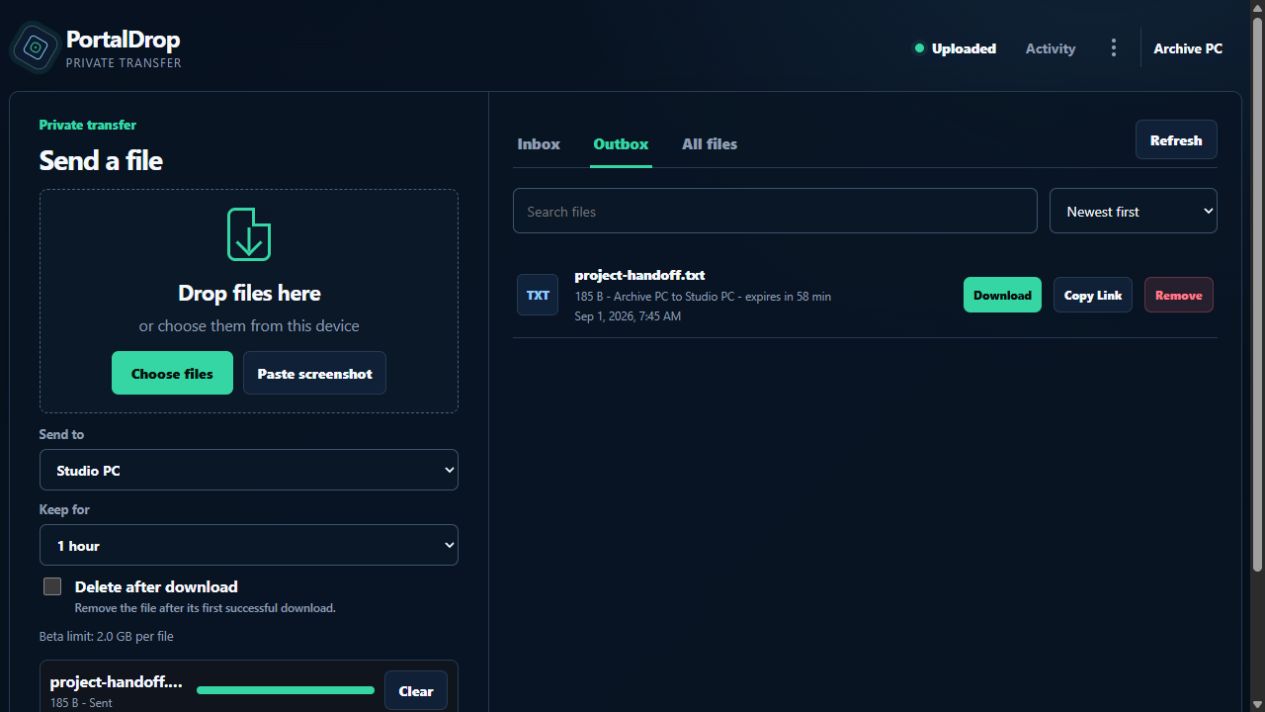
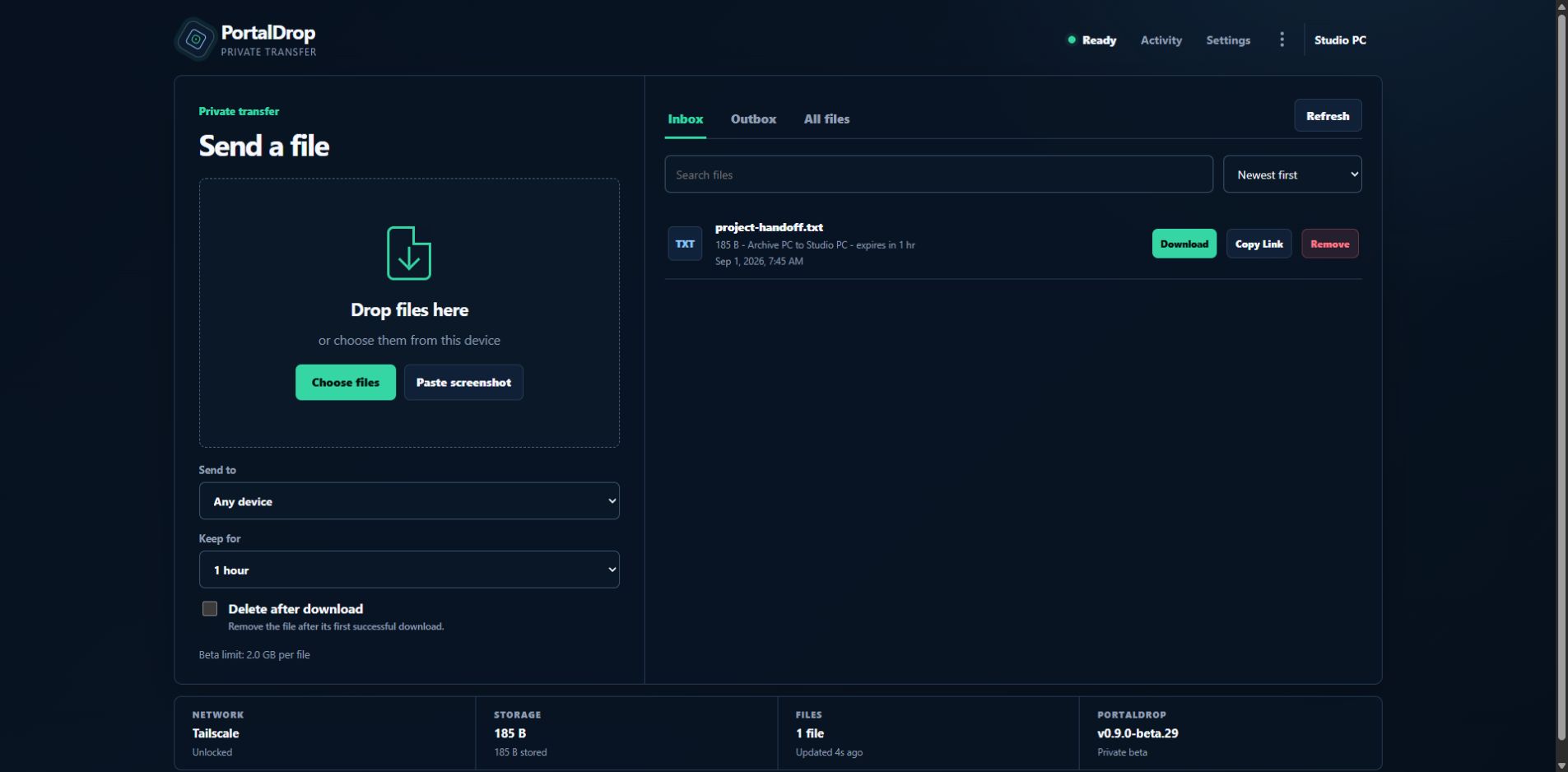
A real file moved from Archive PC to Studio PC over the trusted local network, then appeared in the correct inbox with its source and expiry intact.
33/33release checks passed
Huaweiphysical transfer and download checked
1 hoststores and serves the files
0PortalDrop cloud uploads
The complete path
PortalDrop stores the files on one Windows PC you control.
Use a short-lived pairing link on another Windows PC or an Android device.
Use the local address on the same Wi-Fi, or your private Tailscale route when away.
Set a destination, expiry, and optional one-time deletion before the transfer.
Captioned release proof · 18 seconds
The demo uses the real beta.29 interface and the same fictional transfer used for release verification. It has baked-in captions and no audio dependency.
The Tailscale answer
Tailscale is not PortalDrop's storage and it is not required for PC-to-PC transfers. It is one optional private route when the receiving device is away from the host's Wi-Fi.
Same trusted Wi-Fi
Away from that Wi-Fi
Every route
Founding beta
Free accessWindows host and Android companion, with the full included transfer workflow. No subscription, checkout or activation. Pairing still protects access to your files.
Direct installationWindows setup or MSI, plus a signed Android APK. Windows installers are unsigned and may trigger SmartScreen. Android requires allowing installation from your chosen download source.
Practical limitsThe host stays on. Local HTTP is not encrypted. Files are limited to 2 GiB each. Updates are manual; background alerts depend on phone settings. Keep independent backups.
Before you pair
Yes. Another trusted Windows PC can pair through its browser. Android is an additional companion, not the only destination.
No. The Windows host you run stores and serves the files. Krēˈādiv Worx does not receive them.
No for the same trusted Wi-Fi. Use it only if you want PortalDrop's current private remote-access route.
No. Use Enter Portal Link to pair. The optional QR scanner is only shown on phones with Google services. The direct APK is included with the Windows download.
Yes. Both downloads and their included transfer features are free, with no activation key or expiry. The software remains proprietary. Existing purchase support remains available at kreadivworx@proton.me.